
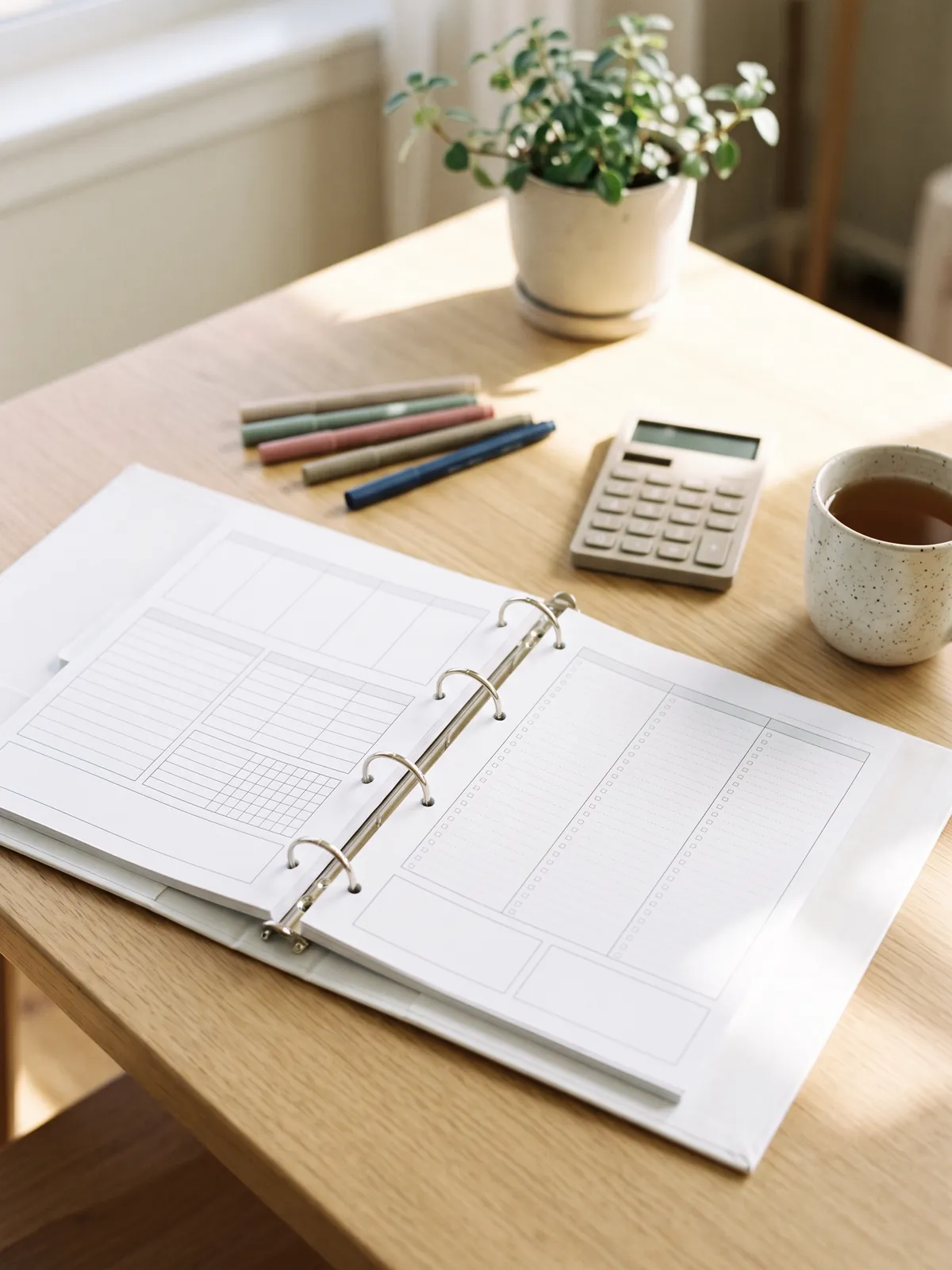
This budget planner printable is a set of seven pages you can print and use tonight: a monthly budget, a biweekly paycheck budget, a bill tracker, a weekly spending log, a sinking funds tracker, a debt payoff tracker and a savings goal tracker. Fill in the monthly budget first, then check in once a week.
A budget planner printable with 7 pages: monthly budget, biweekly paycheck budget, bill tracker, spending log, sinking funds, debt and savings trackers.
You do not need all seven pages. Most people start with the monthly budget and the bill tracker, then add the others as their plan grows.
Below, each page has its own section explaining what it is for and how to fill it in, plus a simple routine to keep your planner working all month.
Table of Contents 20 sections
Which Budget Planner Page to Use
Pick the pages that match your situation. Start with two and add more later.
| Page | Use It For | When to Fill It In |
|---|---|---|
| Monthly budget | Planning every dollar for the month | The last week of the month before |
| Biweekly paycheck budget | Splitting bills between two paychecks | Each payday |
| Bill tracker | Due dates, amounts and what is paid | At the start of the month |
| Weekly spending log | Tracking everyday purchases | Every few days |
| Sinking funds tracker | Saving for yearly and irregular costs | Monthly |
| Debt payoff tracker | Balances, rates and payoff progress | Monthly |
| Savings goal tracker | A visual goal to color in | Each time you save |
1. Monthly Budget Page
This is the heart of your planner. Write your take-home pay at the top, then list every category with a planned amount. Your goal is to assign every dollar before the month starts.
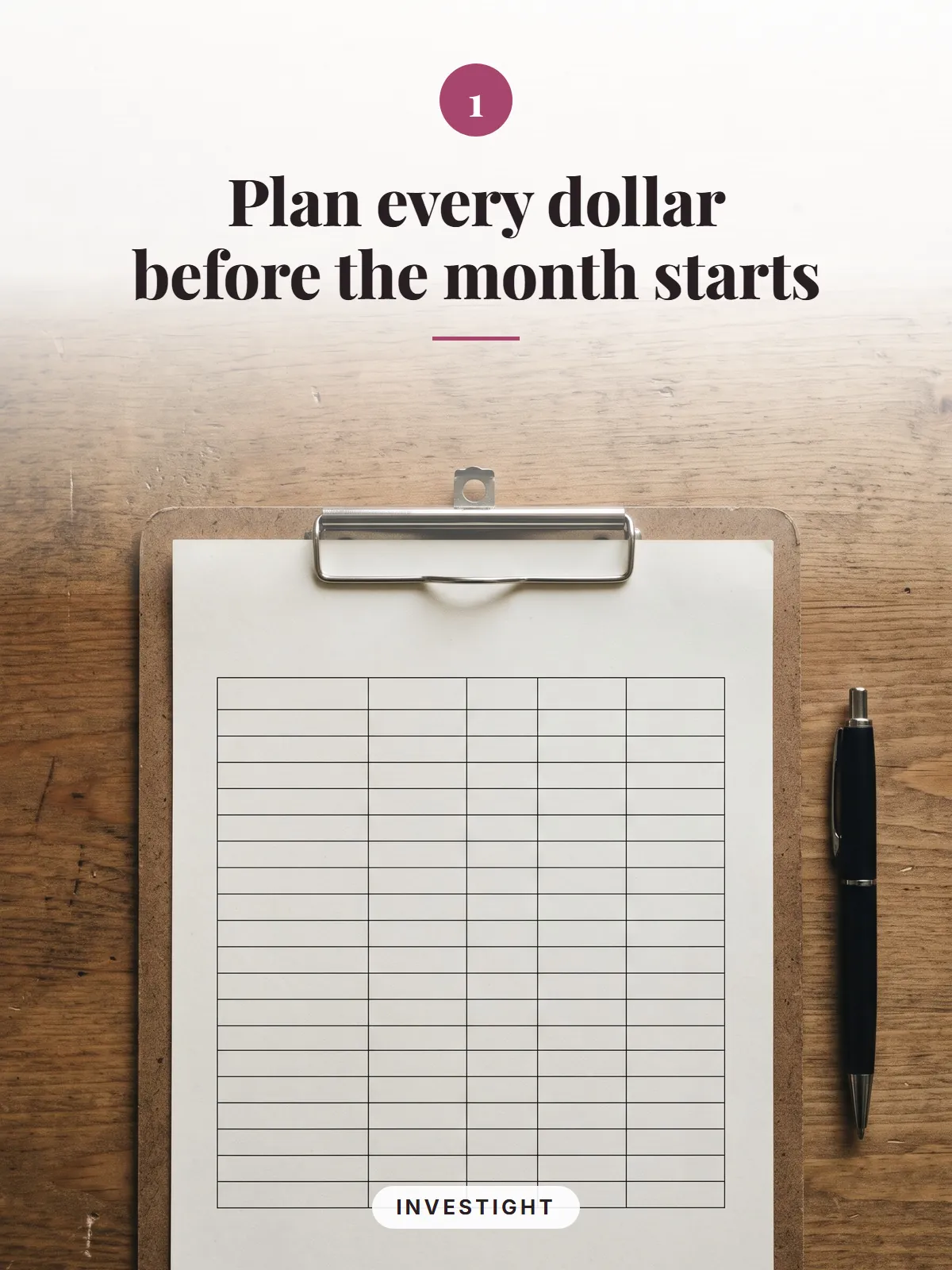
At your weekly check-in, fill in the actual column and the difference. A category that keeps going over is not a failure, it is a sign to change next month's plan.
2. Biweekly Paycheck Budget Page
If you are paid every two weeks, a monthly page can hide a problem: rent is due on the 1st, but your second check arrives on the 12th. This page plans each paycheck on its own.
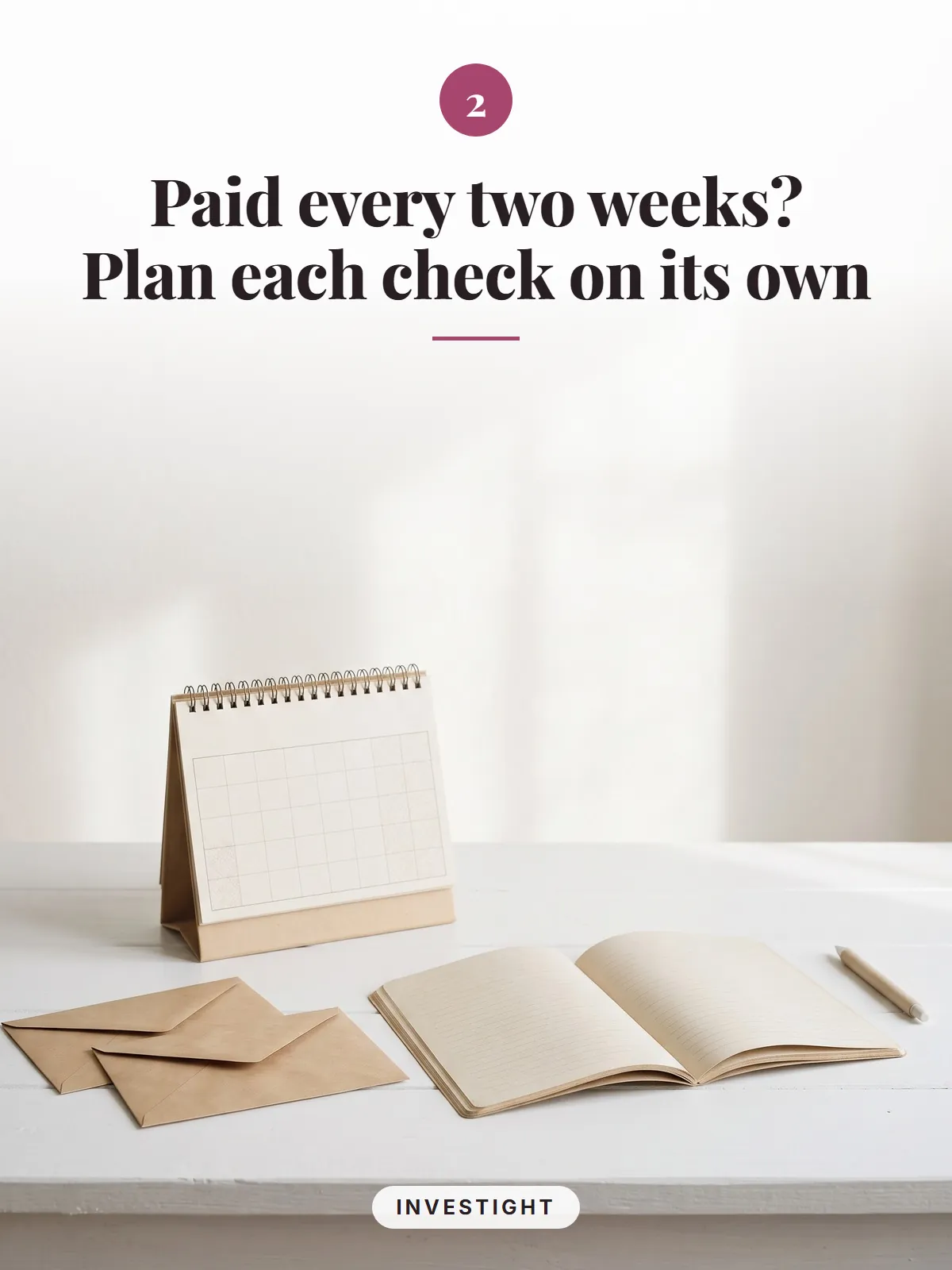
List each bill with its due date, then assign it to the paycheck that arrives before it. Rent usually comes out of the first check, and utilities, phone and groceries out of the second.
3. Bill Tracker
A bill tracker stops late fees. List every bill, its due date and amount, and whether it is on autopay. Tick it off the day it is paid.
Order the list by due date, not by size. Seeing the bills in calendar order shows you exactly which paycheck has to cover what.
4. Weekly Spending Log
This is where the real budget lives. Every few days, write down what you bought, the category and the amount. It takes two minutes and catches overspending early.

At the end of the week, add up each category and move the totals to your monthly budget page.
5. Sinking Funds Tracker
Sinking funds are small monthly set-asides for costs that do not come every month, like car registration, holiday gifts or school supplies. This page shows each fund, its goal and its balance.
Divide each yearly cost by 12 to get the monthly amount. To find all of your yearly costs and map them across the year, our yearly budget guide has a 12-month overview to print as well.
6. Debt Payoff Tracker
List every debt with its balance, interest rate and minimum payment. Then choose a payoff order, either the smallest balance first or the highest rate first, and put every extra dollar on the top debt.

Update the balances once a month. Watching the numbers fall is one of the best motivators a budget planner can give you.
7. Savings Goal Tracker
A savings goal you can color in is far more motivating than a number in an app. This tracker has 20 boxes of $50, for a $1,000 goal. Color a box every time you save $50.

Use it for a starter emergency fund, a trip or a holiday fund. Write the goal at the top so you remember why you are saving.
A Filled-In Month: Example
Seeing a real month helps more than any instructions. Here is a monthly budget page filled in for a household with $3,600 of take-home pay from two biweekly paychecks of $1,800.
| Category | Planned | Actual | Difference |
|---|---|---|---|
| Rent | $1,250 | $1,250 | $0 |
| Utilities and phone | $230 | $244 | +$14 |
| Groceries | $520 | $566 | +$46 |
| Transportation | $300 | $281 | -$19 |
| Insurance | $160 | $160 | $0 |
| Debt payments | $250 | $250 | $0 |
| Savings | $300 | $300 | $0 |
| Sinking funds | $180 | $180 | $0 |
| Personal and household | $160 | $139 | -$21 |
| Fun money | $200 | $230 | +$30 |
| Left to assign | $50 | $0 | -$50 |
| Total | $3,600 | $3,600 | $0 |
Groceries ran $46 over and fun money $30 over. Transportation and personal spending came in under, and the $50 left unassigned absorbed the rest. Next month, this household would raise groceries to about $560 and trim another line to match.
That is how a planner improves month after month. The plan meets reality, and the gap tells you exactly what to change.
Which Pages You Need for Your Situation
You do not need all seven pages. Pick the ones that match where you are right now.
Brand new to budgeting: the monthly budget page and the weekly spending log. Two pages are enough to learn your real numbers.
Paid every two weeks: add the biweekly paycheck budget, so every bill is matched to the check that pays it.
Paying off debt: add the debt payoff tracker and update it monthly. Watching balances fall is the motivation you need on hard months.
Saving for a goal or yearly costs: add the sinking funds tracker and the savings goal tracker. Together they turn big expenses into small monthly steps.
Using the Planner as a Couple
A printed planner works well for couples, because both people can see the same page. Keep it in one shared place, like a kitchen drawer or a binder on the counter.
Fill in the monthly budget together during a short money date at the end of each month. Agree on the big lines first: housing, food, savings and debt. Then give each person a personal spending amount with no questions asked.
Let one person keep the bill tracker and the other keep the spending log, then swap after a few months. Sharing the jobs means both partners understand where the money goes.
Paper Planner or Digital?
Paper planners make you slow down and look at every number, which is why many beginners stick with them. They also work without a login, a subscription or a phone that is always buzzing.
Digital tools, like a spreadsheet or an app, do the math for you and can pull in transactions automatically. They save time once your categories are settled.
Many people use both: they plan the month on paper and track daily spending on their phone. Choose whatever you will still be using three months from now.
Budget Planner Mistakes to Avoid
Too many categories. Forty lines on a budget page are hard to plan and harder to track. Start with ten to twelve and split a category only if it keeps causing trouble.
Planning but never tracking. A beautiful monthly page means little without the weekly check-ins. The actual column is where the learning happens.
Leaving out irregular costs. Car repairs, gifts and annual bills are predictable. The sinking funds page exists so they do not break the month.
Starting over every time you slip. A messy month is still useful information. Adjust next month's plan, keep the pages and keep going.
How to Set Up Your Budget Planner Binder
A simple binder keeps every page in one place and makes your planner easy to use for the whole year. You only need a one-inch binder, a set of tab dividers and a pencil case for your pens.
Use tabs for each section: monthly budgets, paycheck plans, bills, spending logs, sinking funds, debt and savings goals. Print twelve monthly budget pages at the start of the year, or print one at a time to see if you like the layout first.
Keep a pocket in the front for receipts and bills that need attention. Once a week, sort the pocket and write each receipt into your spending log, then file or recycle it.
If you prefer to save paper, slide the pages into clear sheet protectors and use dry-erase markers. You can reuse the same pages every month and take a photo before you wipe them clean.
Choosing Your Budget Categories
The categories on your planner should match your real life. Start with the bills you pay every month, then add the places your money goes most often.
Most households need about ten categories: housing, utilities, groceries, transportation, insurance, debt, savings, sinking funds, personal and household, and fun money. Add a category for children, pets or health care if those costs are regular for you.
Keep categories broad at first. "Food" is easier to track than five separate lines for groceries, coffee, lunches, snacks and takeout. After two or three months, split a category only if you need to see it more clearly.
Give every category a short, simple name you will recognize at a glance. A planner works best when you can fill it in within a few minutes.
How to Stay Consistent With Your Budget Planner
Most planners are abandoned in the second month, not the first. The excitement fades and the pages start to pile up. A few habits keep you going.
Pick one fixed time each week for a short check-in, like Sunday evening with a cup of tea. Ten minutes is enough to log receipts, update the bill tracker and look at what is left in each category.
Keep the planner where you can see it, not in a drawer. Seeing the binder on the counter is a quiet reminder to open it.
Do not aim for a perfect page. Crossed-out numbers and messy notes mean you are using it. If you miss a week, pick it up the next week without trying to rebuild everything you missed.
Finally, notice your wins. Circle the months you stayed under budget, the debt you paid off and the savings you added. Looking back at those pages at the end of the year is one of the best parts of keeping a paper planner.
How to Use Your Budget Planner Printable Each Month
A budget planner only works if you open it. This simple routine keeps it useful without taking over your week.
In the last week of the month, fill in next month's budget page, update your bill tracker and decide the sinking fund amounts. It takes about 30 minutes.
Every week, spend 10 to 15 minutes on the spending log. Add up the categories, compare them with the plan and move money between lines if one is running high.
Once a month, update the debt and sinking fund balances and color your savings tracker. Then start again. For more ways to set up the monthly budget itself, browse our budget methods guides.
Printing and Binder Tips
Print on regular paper and keep the pages in a ring binder with tabs for each section: budget, bills, spending, sinking funds, debt and savings.
If you prefer to reuse the pages, slide them into plastic sheet protectors and write with a dry-erase marker. You can also save each page as a PDF and fill it in on a tablet, or copy the layout into a spreadsheet.
Start with the monthly budget page and the bill tracker for your first month. Add the other pages only when you need them, so the planner stays simple enough to keep using.
Frequently Asked Questions
What should be in a budget planner?
At minimum, a monthly budget page and a bill tracker. Most people add a spending log, sinking funds, a debt tracker and a savings goal tracker as their plan grows.
How do I budget with a biweekly paycheck?
Plan each paycheck separately. List your bills by due date and assign each one to the paycheck that arrives before it, so rent and other big bills are always covered on time.
Is a printable budget planner better than an app?
It depends on you. Paper makes you look at every number, which helps many beginners. Apps are faster for tracking. Some people plan on paper and track spending in an app.
How often should I update my budget planner?
Plan the month once, check your spending once a week and update debt, savings and sinking fund balances once a month.
Can I use this budget planner as a couple?
Yes. Keep it in one shared place, plan the month together at a short monthly money date and give each person a personal spending amount. Splitting the tracking jobs helps both of you stay involved.
How many categories should a budget planner have?
Most people do well with about ten broad categories, like housing, utilities, food, transportation, insurance, debt, savings, sinking funds, personal costs and fun money. Split a category later only if it keeps causing trouble.
Can I print the budget planner pages more than once?
Yes. Print as many copies as you need for your own household. Many people print a full year of monthly pages at once and keep them in a binder.
Is a paper budget planner better than an app?
Neither is better for everyone. Paper makes you look at every number and works well for beginners, while an app saves time by sorting transactions for you. Pick the one you will still open every week three months from now.
What should I do with my budget planner at the end of the year?
Keep the year's pages together. Look back at your spending logs and monthly totals to set next year's categories, and note the months that ran over so you can plan for them.
Print Two Pages and Start This Month
You do not need the whole set on day one. Print the monthly budget page and the bill tracker, fill them in tonight and set a weekly 15-minute check-in.
Add the other pages as you go. A budget planner printable you actually use beats the prettiest planner that sits in a drawer.
Pin this guide to your money board
Save this budgeting guide on Pinterest so the numbers and checklist are there when you need them.
Save on PinterestThis guide is general education, not individualized financial, tax, or investment advice. Figures reflect rules in effect on Nov 20, 2026. See our financial disclaimer.
