

Here is how to sell templates: pick a niche with a clear problem, design a template that saves people time, export it in the format your buyers use and list it with clear previews on a marketplace or your own store.
Learn how to sell templates online in 9 steps: pick a niche, design useful templates, price them, deliver files safely and market them on Pinterest.
Popular templates include budget spreadsheets, planners, resumes, social media posts and small business forms.
Templates are one of the most practical digital products. There is no shipping and no inventory, and one design can sell many times. The work is upfront: making something genuinely useful and showing it well.
Below are nine steps, template ideas that sell, pricing examples, file delivery tips and the legal points every template seller should know.
Platform fees and rules change, so check current terms before you list.
Table of Contents 28 sections
Template Types at a Glance
Common formats, who buys them and typical price ranges. Prices vary by niche and quality.
| Template Type | Common Format | Typical Price |
|---|---|---|
| Budget and finance trackers | Google Sheets, Excel, PDF | $5 to $20 |
| Planners and journals | PDF, printable | $3 to $15 |
| Social media templates | Canva links | $10 to $30 per bundle |
| Resume and cover letter | Canva, Word, Google Docs | $5 to $15 |
| Small business forms | Canva, Docs, PDF | $8 to $25 |
Step 1: Choose a Niche With a Real Problem
The best templates solve a specific problem for a specific group: a budget tracker for couples, a meal planner for busy families, an invoice template for photographers or social posts for real estate agents.
Choose a niche you understand. If you have worked in a field or live a certain life stage, you already know what tools people in it need.
Step 2: Research What Already Sells
Search marketplaces and Pinterest for templates in your niche. Look at what has many reviews, what buyers complain about in reviews and what styles are popular.
Reviews are gold. If buyers say a budget template is hard to edit, you know to make yours simple. Never copy a design, but use research to find gaps.
Step 3: Pick Your Format
Choose the format your buyers already use. Small business owners often use Canva. Budgeters and planners often prefer Google Sheets or Excel. Printable planners work best as PDFs.
Offering two formats, such as a fillable PDF and a printable version, can increase value without much extra work.
Step 4: Design for Ease of Use
A template should be easy to edit by someone who is not a designer. Use clear labels, simple instructions and a clean layout. Lock or protect formulas in spreadsheets so buyers do not break them by accident.
Include a short instruction page or a quick video showing how to use it. Fewer questions mean happier buyers and better reviews.
Step 5: Create Strong Preview Images
Buyers decide in seconds based on previews. Show the template on a screen or printed on a desk, highlight key features and include a close-up of each page or section.
Use consistent colors and fonts across your previews, and add a short line of text on each image explaining what the buyer gets.
Step 6: Set Your Price
Look at similar templates and price within the range buyers expect. Simple single templates often sell for $3 to $10. Bundles and complex spreadsheets with formulas can sell for $15 to $30 or more.
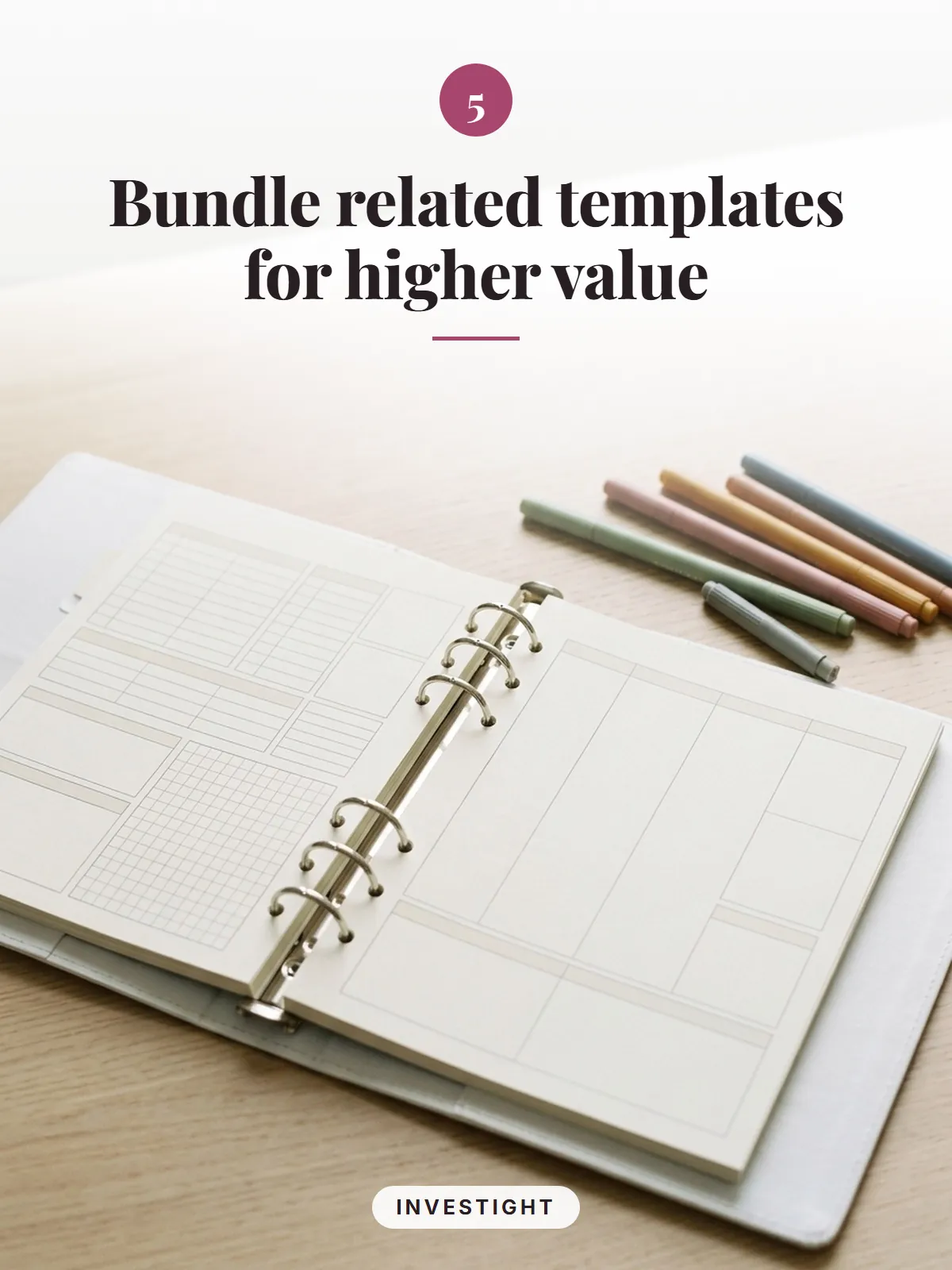
Bundles are a smart strategy: a full budgeting kit with a monthly budget, debt tracker and savings tracker often sells better than each piece alone.
Step 7: Choose Where to Sell
Marketplaces like Etsy bring buyers who are already searching. Your own store or a digital product platform gives you more control and lower per-sale fees but needs your own traffic.
Many sellers start on a marketplace to test demand, then add their own store as their audience grows.
Step 8: Deliver Files Safely
For Canva templates, buyers usually receive a PDF with a template link. For spreadsheets, a link that creates a copy works well. For printables, deliver a PDF.
Test every download link from a separate account before listing. Broken links are the most common reason for bad reviews.
Step 9: Market Your Templates on Pinterest
Pinterest is ideal for templates, because people search there for planners, budget sheets and business tools. Create several pins for each template with clear titles like "Monthly Budget Spreadsheet Template" and link them to your listing.
Pin consistently, add new templates regularly and build boards around your niche.
Template Ideas That Sell
Personal finance: monthly budgets, debt payoff trackers, savings challenges, sinking funds trackers and net worth sheets.
Planning: weekly and daily planners, meal planners, cleaning schedules, habit trackers and goal planners.
Small business: invoices, social media post templates, client onboarding forms, price lists and content calendars.
Career: resumes, cover letters, interview prep sheets and job search trackers.
Events: wedding planners, party checklists, baby shower games and holiday planners.
How Much Can You Make Selling Templates?
At $8 per template, 50 sales a month brings in about $400 before fees. A $20 bundle selling 30 times a month brings in about $600. Most new shops start slowly and grow as they add listings and reviews.
Template income becomes more passive over time: once a template is listed and working, each new sale needs little extra effort. But growth usually comes from adding new templates and improving previews.
How to Sell Templates on Etsy
Etsy is one of the most popular places to sell digital templates, because buyers search there for planners, budgets and business tools. Create a shop, choose a name that fits your niche and fill out the About section so buyers know who makes the products.
List each template as a digital item, upload the delivery PDF or files and write a title using the words buyers search for, such as "Monthly Budget Spreadsheet Template for Google Sheets." Use all available photo slots for previews.
Answer buyer questions quickly and ask satisfied customers for reviews. Early reviews help new listings appear more often in search. Read Etsy's current seller policies and fees before you start.
How to Build Spreadsheet Templates That Sell
Spreadsheet templates sell well because they save time and do math automatically. Start with a clean layout: one tab for instructions, one for inputs and one for summaries or charts.
Use simple formulas like SUM and basic percentage calculations, and protect formula cells so buyers can only edit the input cells. Add color coding: one color for cells the buyer fills in, another for calculated cells.
Test the template with real numbers before selling. Enter a full month of sample data and check that every total and chart updates correctly. A spreadsheet that breaks is the fastest route to a one-star review.
How to Make Canva Templates
Design your template in Canva using elements and fonts you are allowed to use commercially. Keep text in editable boxes and group elements so buyers can move them easily.
Share the template as a template link rather than the design itself, and place the link inside a PDF that buyers download. Include short instructions on how to open the link and make a copy.
A 60-Day Template Shop Plan
Days 1 to 14: choose your niche, research best sellers and design your first three templates. Days 15 to 30: create previews, write listings, test every link and launch the shop with all three.
Days 31 to 45: make five pins for each template and pin them on a schedule. Add one or two new templates a week. Days 46 to 60: look at which listings get views and favorites, improve the previews of weaker listings and create a bundle from your best sellers.
By day 60, you will have 8 to 10 templates, real data on what buyers like and a clear direction for the next ones.
Bundle Pricing Example
Bundles raise the value of each sale. Here is an example for a budgeting niche.
| Product | Price on Its Own |
|---|---|
| Monthly budget spreadsheet | $8 |
| Debt payoff tracker | $6 |
| Savings challenge tracker | $5 |
| Sinking funds tracker | $5 |
| Full budgeting bundle (all four) | $16 |
The bundle costs less than buying all four separately, which feels like a deal to buyers, and it earns more per sale than any single template. Many shops find their bundle becomes their best seller.
Customer Support for Digital Templates
Most questions are about opening links or editing files. A clear instruction page and a short FAQ in each listing prevent many of them.
Reply kindly and quickly, even when the issue is simple. A patient answer often turns a confused buyer into a happy reviewer. Keep a set of saved replies for common questions to save time.
Template Ideas by Audience
Teachers: lesson plan templates, classroom newsletters, behavior charts and parent communication forms. Teachers often buy in bundles and return for new seasonal templates.
Moms: family calendars, chore charts, meal planners, school morning routines and babysitter information sheets.
Small business owners: invoices, quotes, social media posts, client welcome packets, price sheets and content calendars.
Students: study planners, assignment trackers, budget sheets for college and resume templates for first jobs.
Wedding couples: planning checklists, budget trackers, seating charts and timeline templates.
How to Get Your First Reviews
Reviews build trust, and the first few are the hardest to get. Share your shop with friends and family who genuinely need the templates, and ask them to leave honest reviews if they buy.
Include a short, friendly thank-you note in the delivery PDF asking happy customers to leave a review. Respond to every question quickly. Over time, good reviews help your listings rank higher, which brings more sales.
Keep Improving Your Best Sellers
Once a template sells steadily, improve it. Add a new color option, a dated version for the coming year, a bonus page buyers asked for in reviews or a short video tutorial.
Update listings with each improvement and mention what is new. Existing buyers may come back, and new buyers see a product that is actively maintained.
Taxes and Record Keeping
Income from selling templates is taxable, and profits from self-employment generally carry self-employment tax. Keep a simple record of each month's sales, fees and costs, like design software or stock graphics.
Set aside part of every payout for taxes. Depending on your state and sales channels, sales tax rules may apply to digital products, though many marketplaces collect and remit it for you in many states. Check your own requirements, and ask a tax professional as your shop grows.
Is Selling Templates Worth It?
Selling templates is worth it if you enjoy designing practical tools and can be patient while a shop grows. Costs are low, there is no inventory and every template can sell for years.
It is not a fast way to make money. Most shops take months to reach steady sales. Starting while you have another source of income, and treating the first months as learning, gives the best chance of success.
Copyright and Licensing Basics
Only use fonts, graphics and photos you have the right to use commercially. Check each license carefully, especially for fonts.
Decide what buyers can do with your templates and state it clearly, such as personal use only or use for their own business, but not reselling the template itself. Protect your work by watermarking previews.
Template Selling Mistakes to Avoid
Making templates for everyone. Broad templates get lost. Focus on a niche.
Weak previews. Buyers cannot open the file before buying, so previews must show exactly what they get.
Confusing instructions. If buyers cannot edit it easily, they leave bad reviews.
Pricing too low. Very low prices often signal low quality and leave little after fees. You can find more product ideas in our passive income guides and our guide to print on demand.
Template Shop Launch Checklist
Complete these before your first listing.
- Choose a niche and list five problems you can solve
- Research top-selling templates and their reviews
- Create your first three templates
- Write a simple instruction page
- Make clear preview images for each
- Test every download link
- Create Pinterest pins for each listing
Frequently Asked Questions
What templates sell best?
Budget spreadsheets, planners, social media templates, resumes and small business forms are among the most popular, especially when made for a specific audience.
Do I need to be a designer to sell templates?
No. Clear, useful and easy-to-edit templates matter more than fancy design. Many sellers use simple tools like Canva and Google Sheets.
How much should I charge for templates?
Simple templates often sell for $3 to $10, while bundles and advanced spreadsheets can sell for $15 to $30 or more. Check what similar templates sell for.
Where can I sell templates online?
Marketplaces like Etsy, digital product platforms and your own website are common options. Many beginners start on a marketplace.
Can I sell Canva templates?
Yes, as long as you follow Canva's licensing terms, use elements you have the right to use and share templates through allowed methods, usually a template link.
Is selling templates passive income?
Partly. Creating templates and listings takes work upfront, but each sale after that needs little effort. Adding new templates keeps a shop growing.
How many templates do I need to start a shop?
Three to five is enough to launch. Add one or two new templates a week, and focus on improving the ones that get the most views.
Can I sell the same template on several platforms?
Usually yes, as long as each platform's terms allow it and you own the design. Many sellers list on a marketplace and their own store at the same time.
Should I give templates away at no cost to get started?
Some sellers offer a small sample as a lead magnet on their own website to build an email list, but on marketplaces it is usually better to price fairly from the start.
What tools do I need to make templates?
A computer and one or two tools you are comfortable with, such as Canva for designs, Google Sheets or Excel for spreadsheets and a PDF editor for printables. Many start with tools they already have.
How long does it take to make a template?
A simple printable can take an hour or two, while a detailed spreadsheet with formulas, instructions and previews may take a full day or more. Speed improves quickly with practice.
Can I sell templates without showing my face?
Yes. Template shops are built on product previews and clear listings, so you never need to appear in photos or videos unless you want to.
Do templates need updating every year?
Dated templates, like yearly planners and calendars, need a new version each year. Undated templates, like budgets and checklists, can sell for years with small improvements.
Create Your First Template This Week
Pick one niche, make one genuinely useful template and list it with clear previews. Then pin it on Pinterest and watch what buyers respond to.
Knowing how to sell templates is about solving real problems simply. One good template can lead to a shop full of products that keep selling.

Pin this guide to your money board
Save this making money guide on Pinterest so the numbers and checklist are there when you need them.
Save on PinterestThis guide is general education, not individualized financial, tax, or investment advice. Figures reflect rules in effect on Nov 21, 2026. See our financial disclaimer.
