
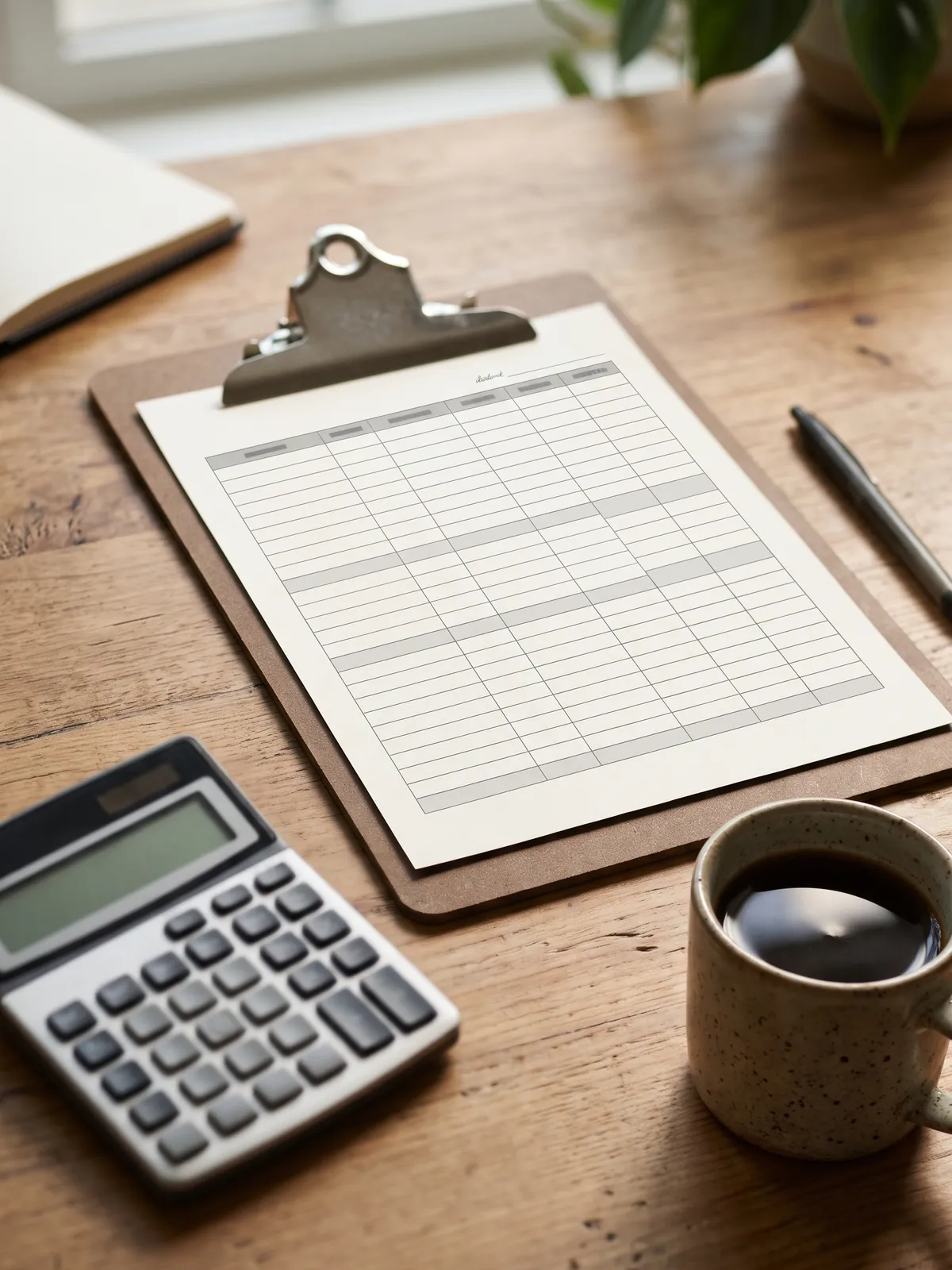
A budget template is a ready-made page where you write your income at the top, list your expenses below, and see what is left. The best one is the layout that matches how you are paid and how much detail you want. Start simple: one page, ten categories, one month.
Pick a budget template that fits your pay: monthly, biweekly, 50/30/20, zero-based and simple layouts, with filled-in examples and Google Sheets formulas.
Below you will find five budget template layouts: simple monthly, biweekly paycheck, 50/30/20, zero-based and cash envelope. Each one comes with a filled-in example, so you can see exactly how the numbers work.
If you prefer a spreadsheet, there is also a short section on setting one up in Google Sheets or Excel with three easy formulas.
Table of Contents 21 sections
Which Budget Template Fits You
Match the layout to your pay schedule and your style. You can switch later.
| Template | Best For | Detail Level | Time Each Month |
|---|---|---|---|
| Simple monthly | First-time budgeters | Low | 20 minutes |
| Biweekly paycheck | Paid every two weeks | Medium | 30 minutes |
| 50/30/20 | People who want a quick split | Low | 15 minutes |
| Zero-based | Tight budgets, paying off debt | High | 45 minutes |
| Cash envelope | Overspending on groceries or fun | Medium | 30 minutes |
Step 1: Start With Your Real Take-Home Pay
Every budget template starts at the top with income. Use your take-home pay, the amount that actually lands in your bank account after taxes, insurance and retirement contributions. Using your gross salary is the most common reason a budget fails in the first month.

If your income changes from month to month, use your lowest month from the past six months. Anything you earn above that becomes extra money for goals.
Step 2: Choose Ten Categories or Fewer
A good budget template is short. Ten categories cover most households: housing, utilities, groceries, transportation, insurance, debt payments, savings, personal and household, fun money, and a small buffer.
Keep categories broad at first. "Food" is easier to track than five separate lines for groceries, coffee, lunches, snacks and takeout. You can split a category later if it keeps causing trouble.
Step 3: Pick the Layout That Matches Your Pay
If you are paid once a month, a simple monthly budget template works well. If you are paid every two weeks, a biweekly template is much easier, because it shows which paycheck covers which bill.

If you want the least effort, use the 50/30/20 split. If money is tight or you are paying off debt, the zero-based layout gives you the most control.
Step 4: Fill In Fixed Bills First
Write down the bills that stay the same every month: rent, insurance, phone, car payment and minimum debt payments. These are your fixed costs, and they come first in every template.
Next, estimate the flexible categories, like groceries, gas and fun money. Look at your last two or three bank statements for real numbers instead of guessing.
For a step-by-step walkthrough of the planning itself, our how to budget for beginners guide covers a full month with real numbers.
Step 5: Check the Bottom Line
Subtract total expenses from income. If the result is positive, give that money a job: savings, extra debt payments or a sinking fund. If it is negative, trim a flexible category until the numbers balance.

Never leave the gap negative and hope it works out. A budget template that does not balance on paper will not balance in your bank account.
Step 6: Update It Every Week
A template is a plan. The real value comes from checking it once a week for ten minutes: compare what you spent with what you planned and move money between categories if one is running hot.

At the end of the month, copy the template, adjust the categories that were off and start again. By the third month, your numbers will be close to reality.
Template 1: The Simple Monthly Budget Template
This is the best budget template for beginners. It has one column for the plan, one for what you actually spent and one for the difference.
| Category | Planned | Actual | Difference |
|---|---|---|---|
| Take-home pay | $3,800 | $3,800 | $0 |
| Rent | $1,300 | $1,300 | $0 |
| Utilities and phone | $240 | $252 | +$12 |
| Groceries | $550 | $590 | +$40 |
| Transportation | $320 | $295 | -$25 |
| Insurance | $180 | $180 | $0 |
| Debt payments | $260 | $260 | $0 |
| Savings | $350 | $350 | $0 |
| Personal and household | $200 | $176 | -$24 |
| Fun money | $250 | $247 | -$3 |
| Buffer | $150 | $150 | $0 |
Groceries ran over and the other categories absorbed it. That is what a good monthly budget template shows you: the exact line to adjust next month.
Template 2: The Biweekly Paycheck Budget Template
A biweekly budget assigns every bill to the paycheck that arrives before its due date. It solves the most common problem for people paid every two weeks: rent eats the whole first check.
| Bill or Category | Due | Paycheck 1 ($1,750) | Paycheck 2 ($1,750) |
|---|---|---|---|
| Rent | 1st | $1,300 | |
| Utilities and phone | 15th | $240 | |
| Car payment | 20th | $290 | |
| Insurance | 10th | $180 | |
| Groceries | Weekly | $260 | $260 |
| Gas | Weekly | $10 | $160 |
| Savings | Payday | $350 | |
| Fun and personal | Weekly | $450 |
Each paycheck adds up to $1,750. Two months a year bring a third paycheck. Decide in advance where it goes, such as savings or an extra debt payment, so it does not disappear.
Template 3: The 50/30/20 Budget Template
The 50/30/20 rule splits take-home pay into three buckets: 50% for needs, 30% for wants and 20% for savings and extra debt payments. It is the quickest template to fill in.
| Bucket | Share | On $4,000 Take-Home | What Goes Here |
|---|---|---|---|
| Needs | 50% | $2,000 | Rent, utilities, groceries, insurance, minimum payments |
| Wants | 30% | $1,200 | Eating out, hobbies, streaming, shopping |
| Savings and debt | 20% | $800 | Emergency fund, retirement, extra debt payments |
In high-cost cities, needs often take 60% or more. That is fine. Adjust to 60/20/20 or 60/30/10 for now, and work toward a bigger savings share as your income grows.
Template 4: The Zero-Based Budget Template
In a zero-based budget, you give every dollar a job until income minus expenses equals exactly zero. Zero does not mean you spend it all: savings and debt payments are jobs too.
This layout takes more time, but it is the strongest choice when money is tight or when you are paying off debt fast. Nothing is left unassigned, so nothing quietly disappears.
Start with income, list every expense and savings goal, then adjust until the last line reads $0. If you have $73 left over, decide right now whether it goes to savings, a sinking fund or a debt.
Template 5: The Cash Envelope Budget Template
The cash envelope template lists only the categories you overspend in, usually groceries, eating out, gas and fun money. You withdraw that amount in cash and split it into envelopes.
When an envelope is empty, spending in that category stops until the next payday. Bills like rent and insurance stay on autopay from your checking account.
Keep the amount of cash small and spend it within the month. Cash at home is not insured, so it is safest to use envelopes only for weekly spending money.
A Budget Template Example for One Person on $2,800
Here is the simple monthly template filled in for a single person with $2,800 of take-home pay. It is a realistic starting point for a first apartment.
| Category | Monthly Amount | Share of Pay |
|---|---|---|
| Rent | $1,000 | 36% |
| Utilities and phone | $180 | 6% |
| Groceries | $350 | 13% |
| Transportation | $250 | 9% |
| Insurance | $120 | 4% |
| Debt payments | $200 | 7% |
| Savings | $280 | 10% |
| Sinking funds | $150 | 5% |
| Personal and household | $120 | 4% |
| Fun money | $150 | 5% |
| Total | $2,800 | 100% |
The savings line is 10% of pay, a solid habit to build early. The sinking funds line covers things like car repairs, gifts and annual subscriptions, so they never land on a credit card.
If rent in your area takes more than 40% of pay, look first at transportation and fun money for room, then at a roommate or a cheaper phone plan.
A Family Budget Template Example on $6,200
Families need a few more lines, mostly for children and higher food costs. Here is the same template for a family of four with $6,200 of take-home pay.
| Category | Monthly Amount |
|---|---|
| Housing | $1,850 |
| Utilities and phone | $380 |
| Groceries and household | $1,000 |
| Transportation | $600 |
| Insurance | $420 |
| Childcare and kids' activities | $500 |
| Debt payments | $300 |
| Savings | $500 |
| Sinking funds | $350 |
| Personal | $150 |
| Fun money | $150 |
| Total | $6,200 |
Groceries are the biggest flexible line, and a weekly meal plan is usually the fastest way to trim them. The $350 sinking funds line covers back-to-school, holidays, birthdays and car maintenance across the year.
For a full set of printable pages that go with this template, including bill and debt trackers, see our budget planner printable.
A Budget Template for Irregular Income
If you freelance, work on commission or earn tips, a normal template breaks the first time a slow month arrives. Change one thing: budget from your lowest month, not your average.
Look at your last six months of income and write the lowest number at the top of your template. Plan essentials and minimum payments on that amount only. In better months, put everything above the floor into a holding savings account.
That account becomes your own paycheck for lean months. Once it holds one full month of expenses, you can send extra income to goals. If no one withholds taxes for you, add a line for tax savings, often 25% to 30% of each payment.
Where Sinking Funds Fit in Your Template
Most budget templates fail in the months with irregular bills: car registration, holiday gifts, annual insurance. The fix is one extra line called sinking funds.
Add up everything you pay once or a few times a year, divide by 12 and put that number on the line. If your yearly irregular costs total $3,600, the line is $300 a month.
Move that amount into a separate savings account on payday. When the bill arrives, the money is waiting. You can find more layouts like this in our budget methods guides.
How to Make a Budget Template in Google Sheets
If you would rather budget on a screen, a spreadsheet takes ten minutes to set up and does the math for you. This works the same way in Google Sheets and Microsoft Excel.
Create four columns: Category, Planned, Actual and Difference. List your income in row 2 and your categories below it. In the Difference column, enter =C3-B3 and copy it down the rows.
Below your last category, add a total with =SUM(B3:B12) for planned expenses and another for actual. Finally, add a "left to assign" cell with =B2-B13. When that cell shows zero, your budget is balanced.
Make a copy of the sheet for each month, and keep them all in one file. After a few months, you can compare categories across tabs and spot patterns.
Printable or Digital: Which Budget Template Should You Use?
Paper templates slow you down in a helpful way. Writing every number by hand makes you notice each bill, and a printed page on the fridge is hard to ignore. They are a great choice for your first three months.
Digital templates do the math and are easy to copy each month. A spreadsheet in Google Sheets also lets two partners update the same budget from their phones, which helps couples stay on the same page.
Many people end up using both: they plan the month on a printed template, then log spending in a spreadsheet or app during the week. There is no wrong answer. The right budget template is the one you still open in month four.
Budget Template Mistakes to Avoid
Using gross pay instead of take-home pay. Your template will show money you never receive.
Forgetting irregular costs. Car repairs, gifts and annual bills are predictable. Add a sinking funds line so they do not break the month.
Too many categories. Thirty lines are hard to fill in and harder to track. Start with ten and add only when you need more detail.
Never looking at it again. A template filled in on the 1st and ignored until the 31st is just a wish list. The weekly check-in is where budgeting actually happens.
Frequently Asked Questions
What is the best budget template for beginners?
A simple monthly budget template with ten categories and planned, actual and difference columns. It takes about 20 minutes to fill in and shows you exactly which category to adjust next month.
Should I use a printable budget template or a spreadsheet?
Use the one you will open every week. Paper makes you look at every number, which helps beginners. A spreadsheet in Google Sheets or Excel does the math for you and is easy to copy each month.
How do I budget if I am paid every two weeks?
Use a biweekly budget template that assigns each bill to the paycheck that arrives before its due date. Plan for the two months a year that bring a third paycheck.
What should a budget template include?
Take-home pay, fixed bills, flexible spending like groceries and gas, savings, debt payments, a sinking funds line for irregular costs and a small buffer. Add a column for what you actually spent.
Is a zero-based budget better than the 50/30/20 rule?
Zero-based budgeting gives more control and works best when money is tight or you are paying off debt. The 50/30/20 rule is faster and works well when you already save regularly.
How many categories should a budget template have?
About ten is enough for most people: housing, utilities, groceries, transportation, insurance, debt, savings, sinking funds, personal and fun money. Add more only if one category keeps going over.
How often should I update my budget template?
Check it for ten minutes once a week and do a full review at the end of each month. Copy the template for the next month and adjust the categories that were off.
Can couples share one budget template?
Yes. Use one shared template for household bills and savings, and give each partner a personal spending line with no questions asked. A shared spreadsheet makes it easy for both of you to update it.
Fill In Your First Budget Template Tonight
You do not need the perfect layout to start. Pick the budget template that matches your pay, write your take-home pay at the top and fill in your fixed bills first.
Then check it every Sunday for ten minutes. After three months of small adjustments, your budget template will stop being a guess and start being an accurate picture of your money.
Pin this guide to your money board
Save this budgeting guide on Pinterest so the numbers and checklist are there when you need them.
Save on PinterestThis guide is general education, not individualized financial, tax, or investment advice. Figures reflect rules in effect on Nov 20, 2026. See our financial disclaimer.
